
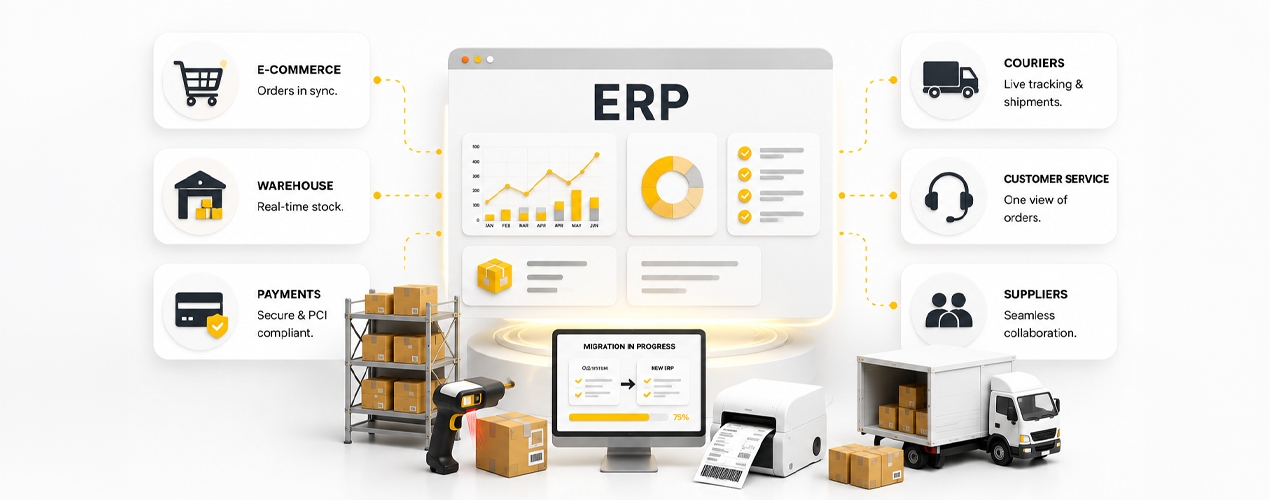
Moving to a new ERP is one of the most important decisions a growing retail or shipping business will make. ERP migration failures rarely happen because of software alone. Most failures happen because operational workflows break during the transition.
For retail and shipping businesses, one missing courier sync, corrupted stock file, or failed payment workflow can delay shipments, create overselling problems, and overwhelm customer service teams within hours.
This checklist shows how to reduce migration risk, protect day to day operations, and move to a system built for long term scale.
1. Define Your Migration Goals Before You Start
Begin by documenting exactly what your current system cannot do. Write down every pain point. Do you manually reconcile stock across multiple warehouses? Do you lose orders when a courier API times out? Do you lack flexible promotion rules like capped shipping, delivery discounts, free gifts, or buy X get Y off?
Set measurable targets. For example, reduce pick errors by 25 percent or cut order to dispatch time by 30 percent. These numbers will measure success later.
2. Clean and Prepare Your Data
Dirty data in means dirty data out. You must audit product catalogues, customer records, and supplier lists. Remove duplicates, correct pricing, standardise product codes. Create a master file for each entity.
According to a Gartner study, poor data quality costs organisations an average of 12.9 million dollars per year. A dedicated data cleansing phase before migration can eliminate the majority of post go live errors.
When you move to a new system, you will import that data. A good platform will let you import customer histories, product hierarchies, bin structures, and outstanding orders directly. Skipping data cleansing is one of the most common causes of delayed go live dates.
3. Choose an ERP With Pre Built Integrations
Retail and shipping depend on a stack of connected tools. Marketing platforms, email services, review systems, payment gateways, shipping couriers. Each one must talk to your ERP without expensive custom development.
Forrester research indicates that companies using integrated platforms reduce implementation time by an average of 30 percent
Look for a system that should already have connectors for the most common services. It should also have an open API for adding bespoke integrations when needed. Check that the provider maintains those connectors and updates them when third parties change their protocols.
4. Prioritise Payment Security and Flexibility
Payment processing is business critical. Your ERP must never store raw card numbers. Instead use Hosted Payment Pages so the payment flow stays on a PCI compliant server. Tokenisation replaces sensitive data with a token your system can safely store.
With tokens you can offer split pay options where a customer pays half now and half later. You can also handle recurring payments for membership clubs, subscription boxes, or planned renewals. Refunds should be processed cleanly without cashflow surprises.
5. Set Up Warehouse Management for Speed
Order fulfilment speed depends on how your warehouse is configured. Choose an ERP that supports multiple picking methods, from printable picksheets for low volume operations to full barcode driven picking for high volume ones.
You need real time stock positions across all bins. Courier label generation directly from the system saves minutes per order.
A UK retailer reduced dispatch delays by 41 percent within 30 days after replacing disconnected warehouse and courier systems with Vision ERP. That kind of improvement is possible when the Warehouse Management System (WMS) and shipping operations are unified in one platform.
The system should also handle promotions that apply automatically when items are added to the basket, limited to brands, categories, products, or specific customer groups.
6. Build a Customer Service Module That Works
Your support team needs a single screen view of order history, delivery tracking, account notes, and outstanding credits. Returns and cancellations must be processed without switching screens.
Fraud prevention inside the CS module is essential. Configure rules that hold orders for manual review. For example, a new customer ordering five times the average ticket, or an order with a billing address in one country and shipping to another. The system should automatically flag these and let your team approve or reject them.
7. Plan for Supplier Collaboration
Your ERP must handle multi supplier orders seamlessly. When a customer orders three items, two from your warehouse and one from a supplier, the system should split the order data to each location. The supplier receives a pick request with all details and can generate a courier label. The customer sees a single tracking page and estimated delivery dates based on each supplier’s location.
8. Align Support With Your Business Hours
ERP downtime is business downtime. Your provider must offer support that matches your operating hours. Whether you run a 9 to 5 operation or a full 24/7 round the clock business, you need help when it matters.
Look for a provider that offers direct helpdesk access, a business critical phone number, and access to developers who know the system inside and out. Support should be tailored to your business, not a one size fits all ticket system.
9. Go Live and Optimise
Start with one warehouse or one product category. Monitor for a few days while your old system still runs in parallel. After fully going live, compare performance against your original targets. Are picking errors dropping? Is order to ship time improving? Use your reporting tools to analyse real time stock positions, order backlogs, and courier performance. Adjust processes if needed.
Studies show that businesses that run parallel systems during migration reduce order loss by up to 70%.
Common ERP Migration Mistakes That Delay Go Live
Users worry about downtime, lost orders, stock corruption, failed integrations, and employee adoption. Here are the mistakes that cause those problems.
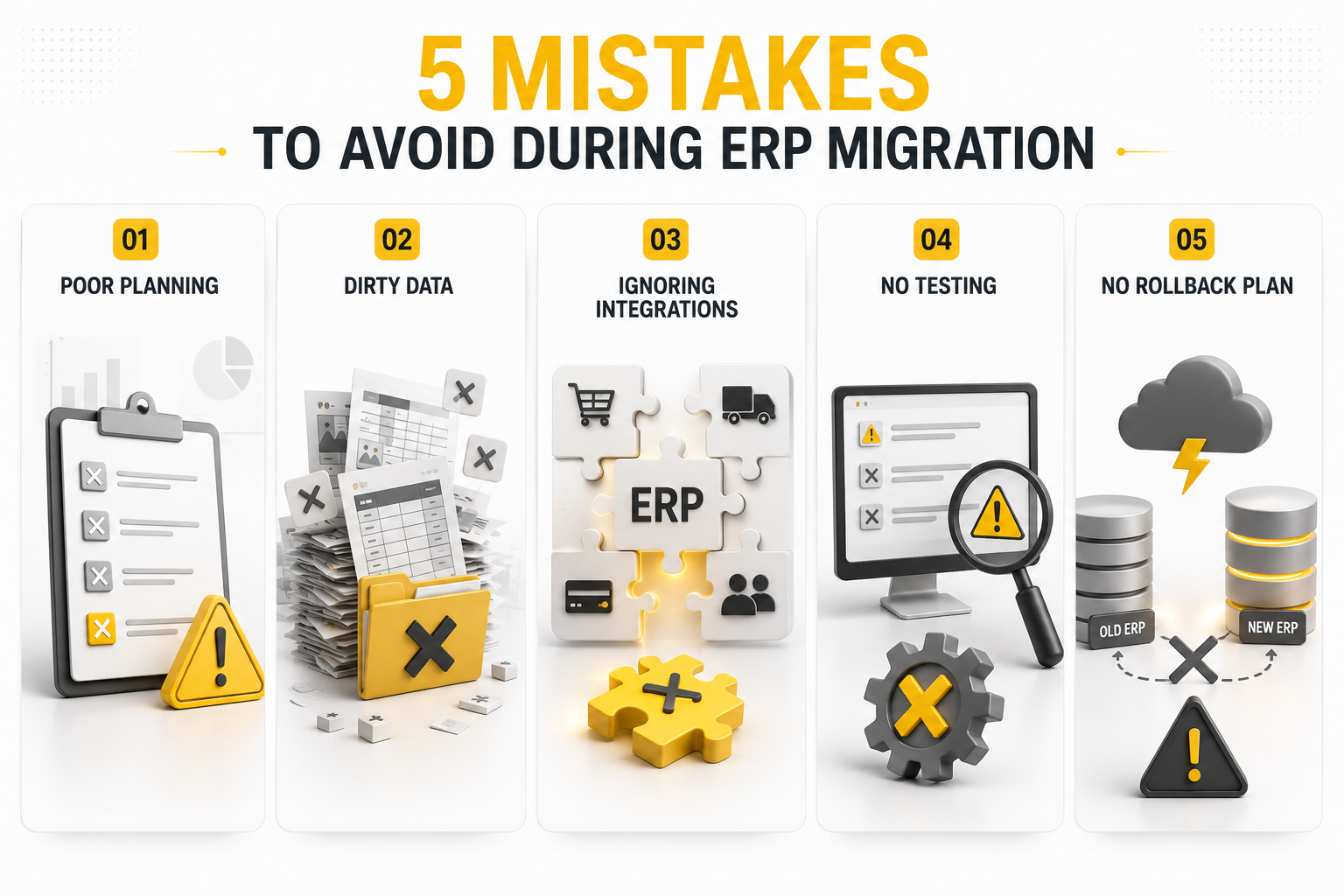
Mistake 1: No dry run
Never migrate live data without a dry run. Set up a parallel environment and run the full import process. Test that historical orders display correctly, that new orders flow through, that payments process. Have your warehouse team physically pick and pack using the new workflows. Have your CS team test fraud rules.
Mistake 2: Underestimating data cleansing
Most businesses skip the laborious step of cleaning data. They bring bad data into the new system and never fully recover. Set aside at least two weeks for data auditing.
Mistake 3: Ignoring staff training
Your team must be comfortable before going live. Schedule hands-on training for each department. Warehouse staff need to practice barcode scanning. CS agents need to run through common scenarios. Finance needs to generate reports and reconcile payments.
Mistake 4: No rollback plan
What if something goes wrong on go live day? You must have a plan to revert to your old system without losing orders. This means running both systems in parallel for at least the first week.
Mistake 5: Choosing a system that does not fit your operations
Many businesses pick an ERP based on features alone, not on how it fits their daily workflow. A system that requires 20 clicks to process a return will frustrate your team and slow you down.
Why Businesses Move to Vision ERP
The Vision platform from Sapio Systems was built to eliminate the traditional IT risk of replacing an existing ERP. Research from McKinsey shows that more than 70 percent of digital transformations companies fail to meet their original goals. Vision is tested and ready to go live now, so delivery dates are fixed, not open ended.
The Vision ERP is a proven platform, capable of processing tens of thousands of orders per day with unlimited product capacity. It supports unlimited languages, currencies, and shipping options, allowing you to sell and ship anywhere in the world.
The Vision system is designed, coded, and maintained in the latest software frameworks, keeping the platform current and up to date with all included integrations. If you are evaluating a move to a more capable system, Vision can have your business trading in no time with a rapid deployment and fast response from the Sapio Systems team.